HandBrake alternative for Windows and Mac (2026)
The right HandBrake alternative depends on what you miss, a size box, fewer settings or more control. Four picks, a measured test, and where HandBrake wins.
On this page
Yes, there is a good HandBrake alternative, and the right one depends on why you’re leaving. If you want a video under a set size, or the same picture in less space without learning presets, Vidray does that on Windows and Mac: on our 4K test clip it made a 9.8 MB file in 3.2 seconds, where HandBrake’s 10 MB preset took 15.0 seconds. For HandBrake’s engine with a size field, try VidCoder; for more control, Shutter Encoder.
What HandBrake does well
HandBrake is free, open source and built by volunteers, and it runs on Windows, Mac and Linux. Version 1.11.2 converts “from nearly any format” to H.264, H.265, AV1, VP9 and more, in MP4, MKV or WebM (HandBrake, checked on 5 Nov 2026). It has device presets, a queue for many files, filters for deinterlacing, denoising and cropping, subtitles, chapters, and hardware encoders from NVIDIA, Intel, AMD and Apple. For a free tool, that is a lot, and none of it costs anything.
What sends people looking is what it asks of you:
- No box for a file size. HandBrake’s documentation says its presets use constant quality, and advises: “Always use constant quality unless you have a specific reason not to” (HandBrake docs). The size of such a file “is unpredictable and varies from source to source” (HandBrake docs).
- Numbers to learn. The docs suggest RF 20-24 for 1080p and RF 22-28 for 4K, and an RF value means something different in each encoder.
- Hardware. The minimum HandBrake formally supports is an Intel Core 9th generation, AMD Ryzen or Apple M1 processor, and 16 GB of memory for HD video, 32 GB for 4K (system requirements). It may run on less; it isn’t supported there.
What to look for in a HandBrake alternative
- A size goal, if you share videos. Discord, email and chat apps limit megabytes, so a tool that takes “under 20 MB” saves you the bitrate arithmetic.
- Speed with the size and the quality next to it. A fast encode that makes a bigger or blurrier file isn’t faster.
- Your system. Linux rules out Vidray; a Mac rules out VidCoder.
- Batch, and what it costs. HandBrake’s queue is free; check whether the alternative’s is.
- Awkward sources handled for you. iPhone HDR video, interlaced camcorder files and vertical phone clips.
- The price and its terms. Free, once, or a plan that renews.
Is Vidray faster than HandBrake?
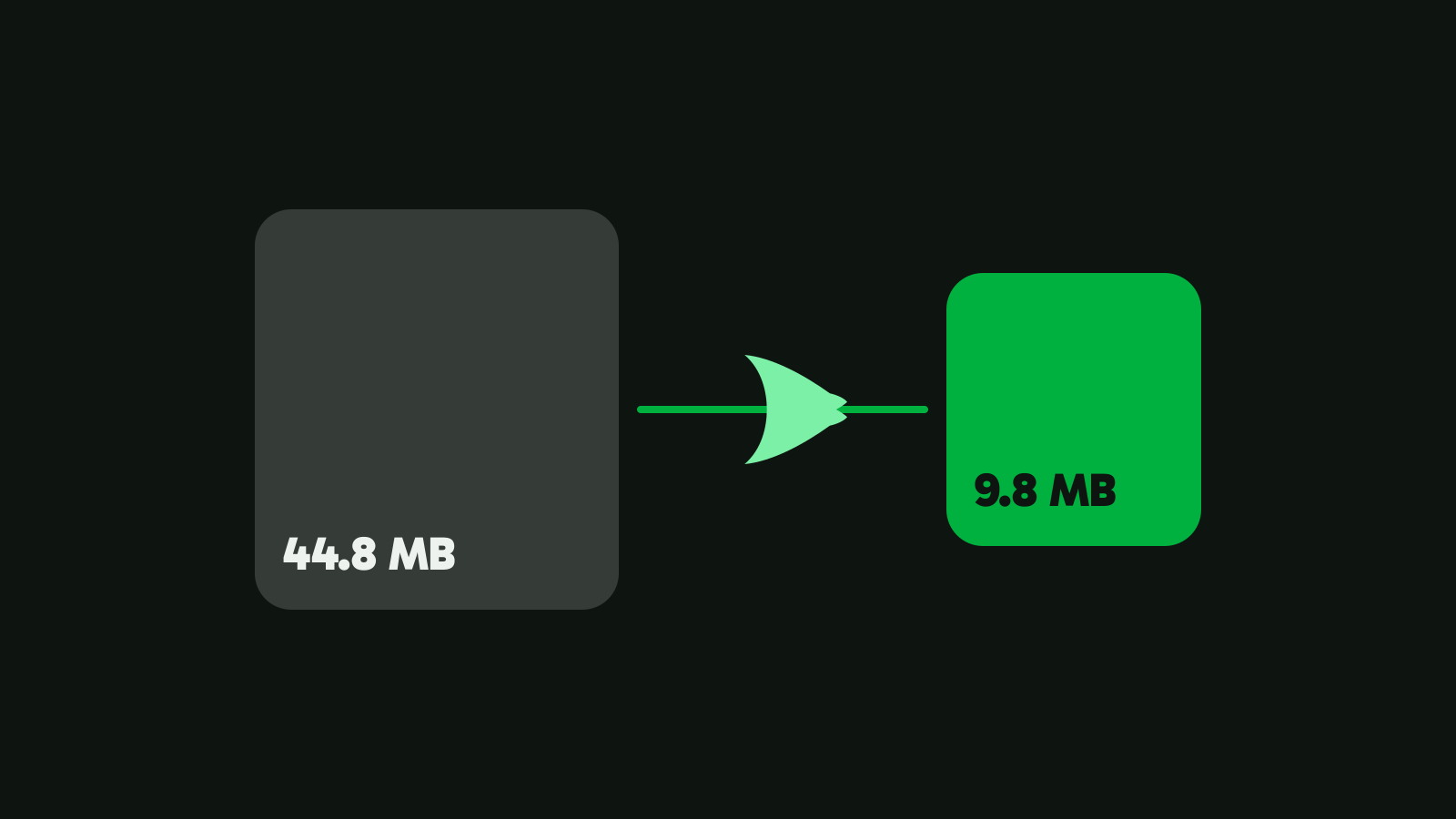
We ran HandBrake 1.11.2 and Vidray 1.0.0 on the same 4K clip, a 21-second, 44.8 MB vertical video from Pexels. HandBrake has no size setting, so for the size goals we used its own “Social” presets for a 30-second clip, which is what HandBrake offers for that job.
| Tool and setting | Time | Size | VMAF |
|---|---|---|---|
| Vidray, “Fit a size” 10 MB | 3.2 s | 9.8 MB | 91.3 |
| HandBrake, “Social 10 MB 30 Seconds” | 15.0 s | 6.0 MB | 83.1 |
| Vidray, “Fit a size” 20 MB | 3.2 s | 19.6 MB | 94.1 |
| HandBrake, “Social 25 MB 30 Seconds” | 17.4 s | 15.8 MB | 92.7 |
| Vidray, “Same look” | 7.9 s | 25.8 MB | 97.6 |
| HandBrake, “H.265 NVENC 2160p 4K” | 9.0 s | 11.9 MB | 95.9 |
| HandBrake, “Fast 1080p30” (its default) | 15.4 s | 12.2 MB | 91.1 |
Measured on our test PC. Times vary with your hardware. Method: HandBrakeCLI 1.11.2 and Vidray 1.0.0 on our test PC (NVIDIA RTX 3060 Ti), median of three or more runs; VMAF is a 0-100 picture-quality score against the original, with both files scaled to 1080×1920. One clip is not a benchmark.
For a size goal, Vidray was 4.7 times faster on this clip and used the room it was given: HandBrake’s 10 MB preset left 4 MB unused and came out at 720 lines, with a score of 83.1 against 91.3. Against HandBrake’s default preset, Vidray’s 10 MB file was smaller (9.8 against 12.2 MB) at about the same score (91.3 against 91.1), in a fifth of the time.
For keeping the picture, HandBrake wins: its H.265 NVENC preset made a file less than half the size of “Same look” (11.9 against 25.8 MB) at a slightly lower score, in about the same time. If the smallest file at a high score matters more to you than skipping the settings, that preset is worth learning.

The best HandBrake alternatives
Vidray: a size or a look instead of presets
Vidray is a video compressor and converter for Windows and Mac that works on your own computer. It has four tools: Editor, Compress, Convert and Extract audio. The Editor cuts and joins to the exact frame and re-encodes only the frames at each cut. Compress asks for a goal, not a bitrate: “Fit a size” takes 10, 20, 50 or 100 MB, or any size from 1 to 2000 MB, and “Same look” keeps the picture as it was in less space. Under means under: 10 MB is at most 10,000,000 bytes. If a file comes out over, Vidray tries again lower, and tells you if it can’t fit.
There is nothing to set for awkward sources: iPhone HDR is tone mapped so it doesn’t turn grey, interlaced camcorder video is deinterlaced, and vertical clips stay upright. Convert repackages a file without re-encoding when the new format can hold its streams, so an MKV becomes an MP4 in seconds. Vidray tests your computer’s video encoders once and uses the fastest one that works. You can also right-click a video in File Explorer or Finder.
Free does all of this, 10 videos a month, with no watermark and no trial clock. Pro makes as many as you like, with no monthly limit. $24.99, once.
What it doesn’t do that HandBrake does: Linux, filters, subtitles, presets and manual bitrate, reading DVDs or Blu-rays, and a free queue with no limit. Pick it when the goal is a size or the same picture, and you’d rather not learn a setting to get there.
VidCoder: HandBrake’s engine with a size setting
VidCoder is a free, open-source app for Windows 10 and 11 (64-bit) that “uses HandBrake as its encoding engine” (VidCoder, checked on 5 Nov 2026). Its feature list includes “Target bitrate, size or quality for video”, multi-pass encoding, batch encoding with several jobs at once, a folder watcher, and NVIDIA, Intel and AMD hardware encoders.
That makes it the closest thing to HandBrake with a size box, and it costs nothing, including the batch. Because the engine is HandBrake’s, the encoders and their quality scales are HandBrake’s too: you still choose the encoder, the resolution and the rest. It doesn’t run on a Mac.
Shutter Encoder: more control, still free
Shutter Encoder is “completely free software without any limitations or advertising”, supported by donations, for Windows 7 to 11 (64-bit), macOS 10.14 or later and Linux (Shutter Encoder, checked on 5 Nov 2026). It encodes H.264, H.265, H.266, VP8, VP9 and AV1, plus editing codecs such as ProRes and DNxHR, and it cuts without re-encoding, crops, burns in subtitles and has a render queue.
It suits someone who left HandBrake for more settings, not fewer. Its pages don’t describe a target-size setting.
FFmpeg: the engine under most of them
FFmpeg is the free, open-source command-line tool that many video apps, Vidray included, are built on. The project provides source code, with ready builds for Windows, Mac and Linux linked from its download page. It handles almost any conversion by typed command, and it can hit a size with a two-pass average bitrate that you work out yourself (the commands are in our guide to compressing a video to a specific size).
Pick it if you script your work or batch thousands of files. There is no window: every setting is an option you type.
HandBrake vs the alternatives
Checked on 5 Nov 2026 on each tool’s own pages.
| HandBrake | Vidray | VidCoder | Shutter Encoder | FFmpeg | |
|---|---|---|---|---|---|
| Price | Free | Free; Pro $24.99 once | Free | Free (donations) | Free |
| Systems | Windows, Mac, Linux | Windows, Mac | Windows | Windows, Mac, Linux | Windows, Mac, Linux |
| Type a file size | No | Yes, “Fit a size” | Yes | Not stated | No, bitrate by hand |
| Many files at once, free | Yes, queue | Yes, 10 videos a month | Yes | Yes, render queue | Yes, by script |
| Filters, cropping, subtitles | Yes | Cropping only | Filters | Yes | Yes |
| Open source | Yes | No | Yes | Source on GitHub | Yes |
Which one should you pick?
- You share videos and need them under a limit: Vidray’s “Fit a size”. You type the number and the file lands under it.
- You want the same picture in less space, with no settings: Vidray’s “Same look”. If the smallest file matters more, HandBrake’s H.265 preset, and our guide to compressing without losing quality explains the settings.
- You’re on Windows and want HandBrake with a size box, free: VidCoder.
- You’re on Linux, or you want every setting: Shutter Encoder or HandBrake.
- You convert whole folders and want to pay nothing: HandBrake’s queue or VidCoder. Vidray Free takes folders too, for 10 videos a month.
- You compare paid suites too: our UniConverter alternative guide covers them.
HandBrake is still a fine tool when you know its settings. If what you want is a size or a look, and the file done before you’ve finished reading a preset name, download Vidray for Windows or Mac and try it on one video.
Common questions
Is there a better HandBrake alternative for Mac?
For most sharing jobs, yes: Vidray and Shutter Encoder both run on a Mac. Vidray asks for a goal, a size in MB or the same look, instead of a preset and a quality value. Shutter Encoder gives more control than HandBrake. VidCoder, the alternative closest to HandBrake, runs only on Windows.
Does HandBrake have a target file size setting?
No. HandBrake 1.11.2 asks for a constant quality value or an average bitrate, and its documentation says the size of a constant quality file is unpredictable. You can work out a bitrate for a size yourself. VidCoder, which runs HandBrake’s engine on Windows, adds a target-size setting.
Is Vidray free like HandBrake?
Partly. Vidray Free does every tool, with the queue and whole folders, for 10 videos a month, with no watermark and no trial clock. Pro has no monthly limit, for $24.99 once. HandBrake is free with no limit, so for converting many files at no cost, HandBrake wins.
Which is faster, HandBrake or Vidray?
For a size goal, Vidray was faster on our 4K test clip: 3.2 seconds for a 9.8 MB file, against 15.0 seconds for HandBrake’s 10 MB preset. For keeping the picture, HandBrake’s H.265 NVENC preset took about the same time as Same look and made a smaller file. Times depend on your hardware.
Is there a HandBrake alternative for Linux?
Yes. Shutter Encoder and FFmpeg both run on Linux, and HandBrake itself does too. Vidray runs only on Windows and Mac, and VidCoder only on Windows. On Linux, Shutter Encoder is the closest to a point-and-click converter with more settings than HandBrake.