Video file size per minute: 4K, 1080p, 720p
How big is a 1-minute video? About 60 MB at 1080p and 260 to 340 MB in 4K at YouTube's upload bitrates. The formula, the tables, and why your own files differ.
On this page
A 1-minute video is about 60 MB at 1080p and 260 to 340 MB in 4K, at the bitrates YouTube recommends for uploads. The resolution alone doesn’t set the size: the bitrate does. One minute of video takes bitrate × 7.5 megabytes, so a 4K phone clip and a 4K ProRes file of the same length can differ 20 times over.
How to work out a video’s size from its bitrate
The bitrate is how many bits the video spends on each second of picture and sound. Multiply by the length and divide by 8 to get bytes:
- MB per minute = Mbit/s × 60 ÷ 8 = Mbit/s × 7.5
- GB per hour = Mbit/s × 3,600 ÷ 8 ÷ 1,000 = Mbit/s × 0.45
So a 1080p video at 8 Mbit/s takes 60 MB a minute and 3.6 GB an hour. A 4K video at 40 Mbit/s takes 300 MB a minute and 18 GB an hour. It works the other way, too: a 2-minute video of 150 MB averages 150 × 8 ÷ 120 = 10 Mbit/s.
Two things to know about the units. A megabyte here is 1,000,000 bytes, the way phones label storage and most upload limits are written. Windows’ File Explorer counts in units of 1,048,576 bytes but calls them MB too, so it shows about 5% less for the same file. And bitrates are in megabits (Mbit/s), 8 per megabyte.
The sound adds little. AAC sound at 128 kbit/s takes about 1 MB a minute, and at 256 kbit/s about 2 MB. A 4K minute is almost all picture.
Video size per minute at 720p, 1080p and 4K
YouTube publishes the bitrates it recommends for uploads in H.264 (YouTube’s upload encoding settings, checked on 8 Nov 2026). They are a good picture of what a well-made video file is like. Here is what they mean in megabytes:
| Resolution | Bitrate, 24-30 fps | Per minute | Per hour | Bitrate, 48-60 fps | Per minute | Per hour |
|---|---|---|---|---|---|---|
| 480p | 2.5 Mbit/s | 19 MB | 1.1 GB | 4 Mbit/s | 30 MB | 1.8 GB |
| 720p | 5 Mbit/s | 38 MB | 2.3 GB | 7.5 Mbit/s | 56 MB | 3.4 GB |
| 1080p | 8 Mbit/s | 60 MB | 3.6 GB | 12 Mbit/s | 90 MB | 5.4 GB |
| 1440p | 16 Mbit/s | 120 MB | 7.2 GB | 24 Mbit/s | 180 MB | 10.8 GB |
| 4K (2160p) | 35-45 Mbit/s | 260-340 MB | 16-20 GB | 53-68 Mbit/s | 400-510 MB | 24-31 GB |
| 8K (4320p) | 80-160 Mbit/s | 600-1,200 MB | 36-72 GB | 120-240 Mbit/s | 900-1,800 MB | 54-108 GB |
Doubling the frame rate doesn’t double the size: YouTube’s high-frame-rate bitrates are about 1.5 times the standard ones, because each frame differs less from the one before.
Streaming spends far less. Netflix says its highest quality uses up to 3 GB an hour for HD and up to 7 GB an hour for 4K (Netflix Help Center, checked on 8 Nov 2026): about 50 MB and 117 MB a minute. Streaming services encode each title carefully, with time and computing power a phone doesn’t have while it records.
Make a video fit the size you need with Vidray
Vidray is a video compressor and converter for Windows and Mac that works on your own computer. It turns the arithmetic around: you pick the size, and it works out the bitrate from the video’s length.
- Open Vidray and choose Compress.
- Pick “Fit a size”: 10, 20, 50 or 100 MB, or Custom, from 1 to 2000 MB.
- Drop the video in. The new MP4 lands under that size, next to the original.
Under means under: 10 MB is at most 10,000,000 bytes. If a file comes out over, Vidray tries again lower, and tells you if it can’t fit. Before it sets the bitrate, it leaves room for the sound and the file’s index, and it picks the resolution that bitrate can carry. For a 3-minute clip and a 50 MB goal, that’s a little over 2 Mbit/s for picture and sound together. How to compress a video to a specific size has a table of what each size gives at each length.
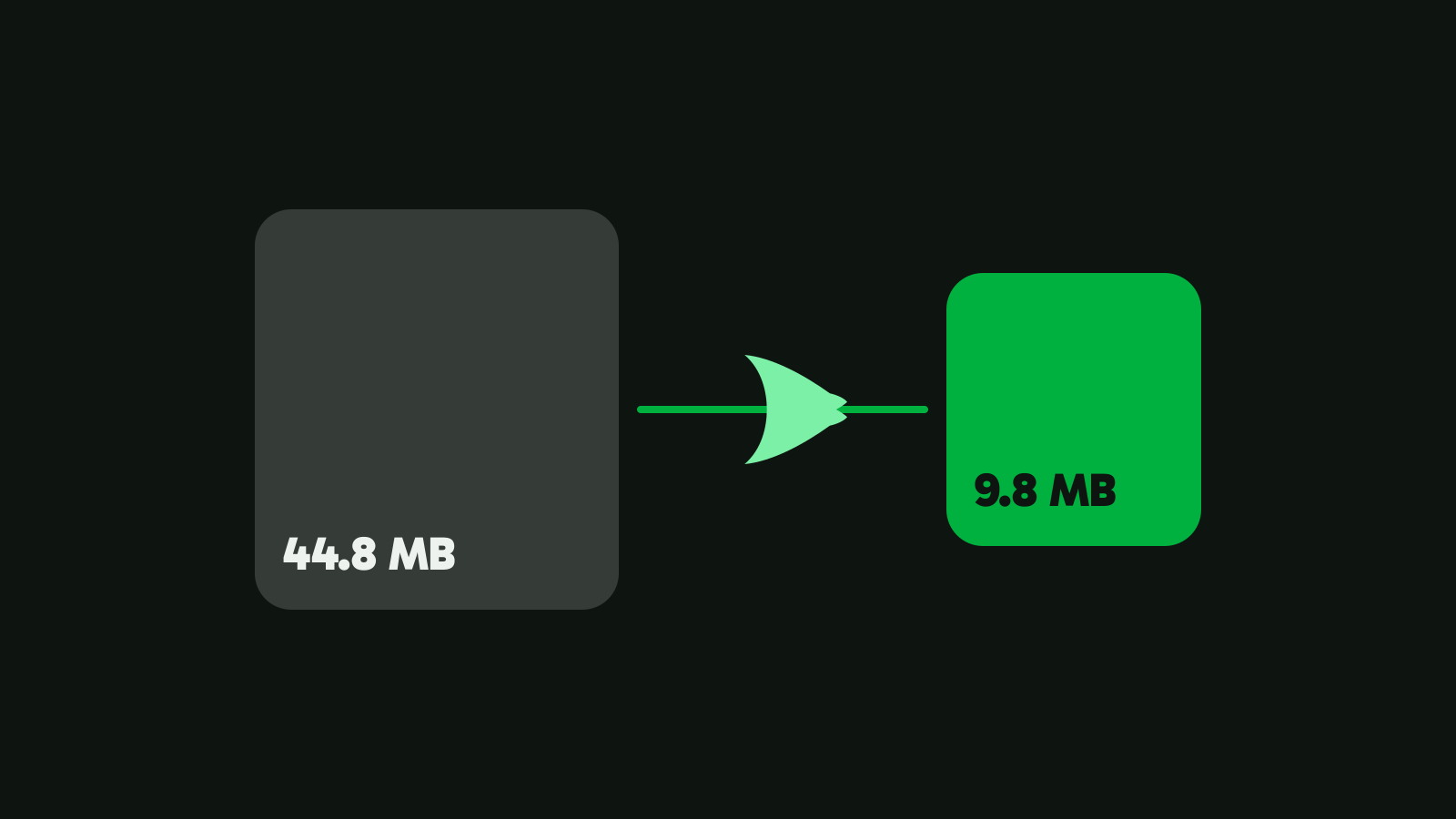
To keep the picture instead, pick “Same look”. On our 4K test clip (21.2 seconds, 44.8 MB, from Pexels), it made a 25.8 MB file that scored 97.6 on VMAF, a picture-quality score from 0 to 100, in 7.9 seconds on our test PC. That’s 127 MB a minute down to 73 MB a minute. Times vary with your hardware.
Free does all of this, 10 videos a month. Pro makes as many as you like, with no monthly limit. $24.99, once.
How big is a minute of ProRes video?
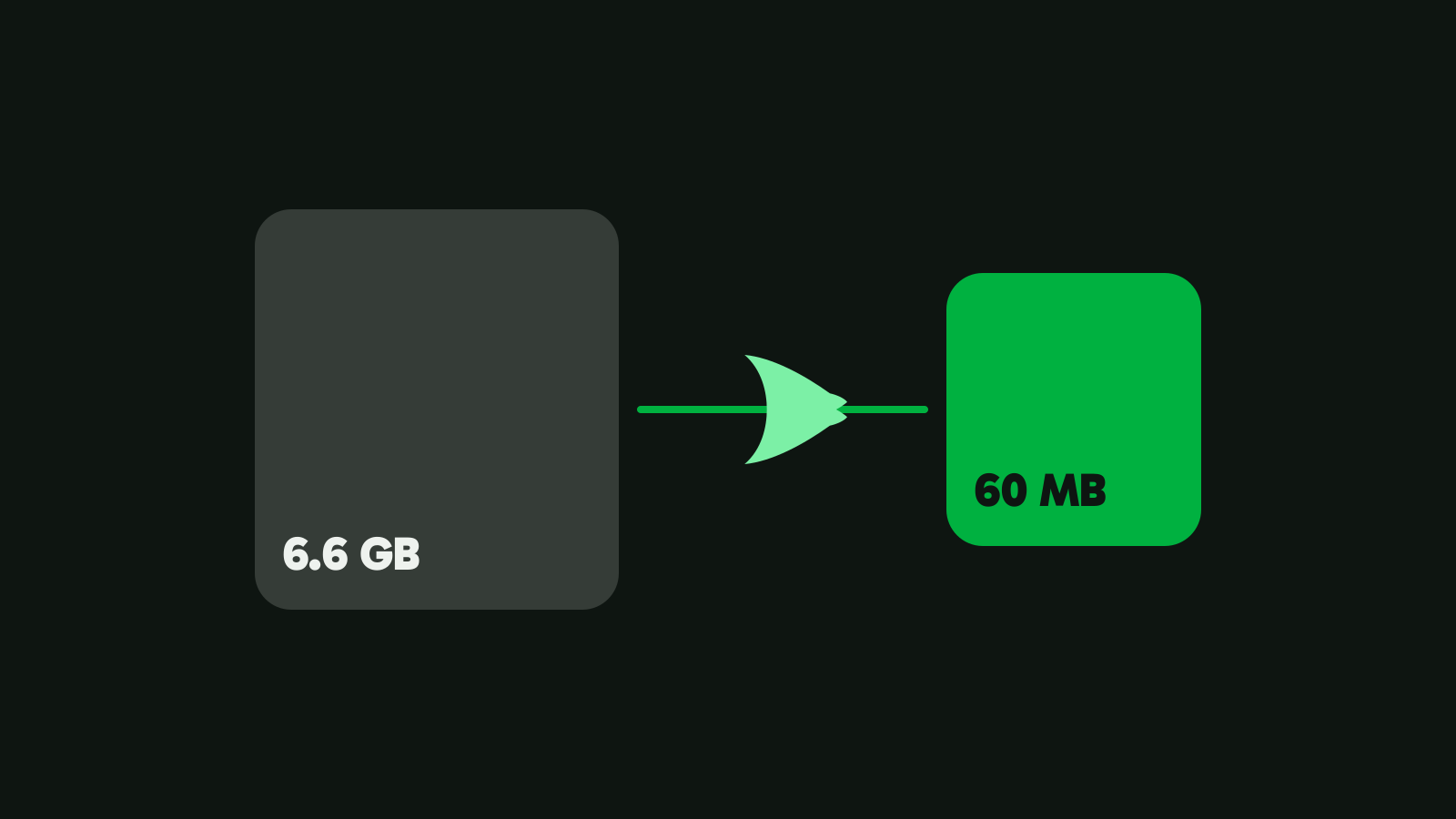
About 1.1 to 6.6 GB at 30 fps, depending on the resolution and the kind of ProRes. ProRes is made for editing, not for sharing: it compresses each frame on its own, so an editor can jump to any frame without decoding the frames around it. Apple publishes the target bitrates (Apple ProRes white paper, April 2022, checked on 8 Nov 2026):
| ProRes, 30 fps | Bitrate | Per minute | Per hour |
|---|---|---|---|
| ProRes 422, 1080p | 147 Mbit/s | 1.1 GB | 66 GB |
| ProRes 422 HQ, 1080p | 220 Mbit/s | 1.65 GB | 99 GB |
| ProRes 422, 4K (3840×2160) | 589 Mbit/s | 4.4 GB | 265 GB |
| ProRes 422 HQ, 4K (3840×2160) | 884 Mbit/s | 6.6 GB | 398 GB |
Apple’s page on ProRes on iPhone puts it another way: “ProRes files are up to 30 times larger than HEVC files.” On iPhones with 128 GB of storage, Apple limits ProRes to 1080p at 25 or 30 fps.
Why are two videos of the same length different sizes?
Because the bitrate differs, and these set it:
- The device’s setting. Every camera and phone records at a fixed bitrate for each resolution and frame rate it offers. On an iPhone, Settings, Camera, Record Video shows how much a minute takes at each setting.
- The codec. HEVC needs fewer bits than H.264 for the same picture. On our 4K test clip, HEVC scored VMAF 95.6 at 9.8 MB; H.264 from the same graphics card needed 19.1 MB for the same score. See what HEVC is for the details.
- What’s in the picture. Leaves, water, confetti, sensor noise in low light and fast camera moves all need more bits. A screen recording of a slide deck needs very few.
- Constant or variable bitrate. Most phones and apps vary the bitrate with the picture, so two clips at the same setting still come out a little different. Our numbers are averages.
- Editing and sharing. Every app that saves the video again chooses its own bitrate. A clip sent through a chat app is usually far smaller than the one the phone recorded.
How to check your video’s bitrate
- Windows: right-click the file, choose Properties, then the Details tab. The Video section lists the bitrate.
- Mac: open the video in QuickTime Player and choose Window, Show Movie Inspector.
- Any computer: divide the size by the length. A 90 MB, 45-second video: 90 × 8 ÷ 45 = 16 Mbit/s.
- FFmpeg:
ffprobe -v error -show_entries format=bit_rate -of csv=p=0 input.mp4prints the average in bits per second.
Which size do you need?
- “I’m recording and want to know how much fits.” Use the formula with your camera’s bitrate, or the table above as a rough guide: 1080p at 30 fps is about 60 MB a minute.
- “I need a 5-minute video under 25 MB for an email.” That’s 5 MB a minute, about 0.65 Mbit/s: a small picture, fine for someone talking, too little for sport. “Fit a size” does the math and picks the frame size. How to send a video that’s too large to email lists each provider’s limit.
- “I’m archiving family videos.” Size per minute matters less than keeping them watchable. “Same look” keeps the picture and drops what you can’t see.
- “I shoot ProRes.” Plan storage in gigabytes per minute, and make an MP4 copy for sharing.
Every number on this page comes from one formula: bitrate × length. Pick the size the video has to fit, and let the bitrate follow. Download Vidray for Windows or Mac to try it on one file.
Common questions
How big is a 1-minute 4K video?
About 260 to 340 MB at 24 to 30 fps, and 400 to 510 MB at 60 fps, at the bitrates YouTube recommends for 4K uploads. Phones record HEVC at lower bitrates, and ProRes is far bigger: Apple’s target for ProRes 422 HQ in 4K at 30 fps is about 6.6 GB a minute.
How many MB is a 1-minute 1080p video?
About 60 MB at 24 to 30 fps and 90 MB at 60 fps, at YouTube’s recommended upload bitrates of 8 and 12 Mbit/s. The exact size depends on the bitrate the device or app chose: a minute takes bitrate × 7.5 megabytes.
How do I calculate video file size?
Multiply the bitrate in megabits per second by the length in seconds and divide by 8: the result is in megabytes. For one minute that’s bitrate × 7.5 MB, and for one hour bitrate × 0.45 GB. Add about 1 MB a minute for 128 kbit/s sound.
How much storage does an hour of 4K video take?
About 16 to 20 GB at 24 to 30 fps and 24 to 31 GB at 60 fps, at YouTube’s recommended 4K bitrates. ProRes 422 HQ in 4K at 30 fps takes about 398 GB an hour, according to Apple’s ProRes white paper.
Why is my phone video so big?
Because phones record at a high bitrate so the picture holds up when you edit it. Each resolution and frame rate has its own bitrate, and 4K at 60 fps uses the most. Recording in HEVC instead of H.264, or at 1080p, makes files smaller; compressing afterwards does too.