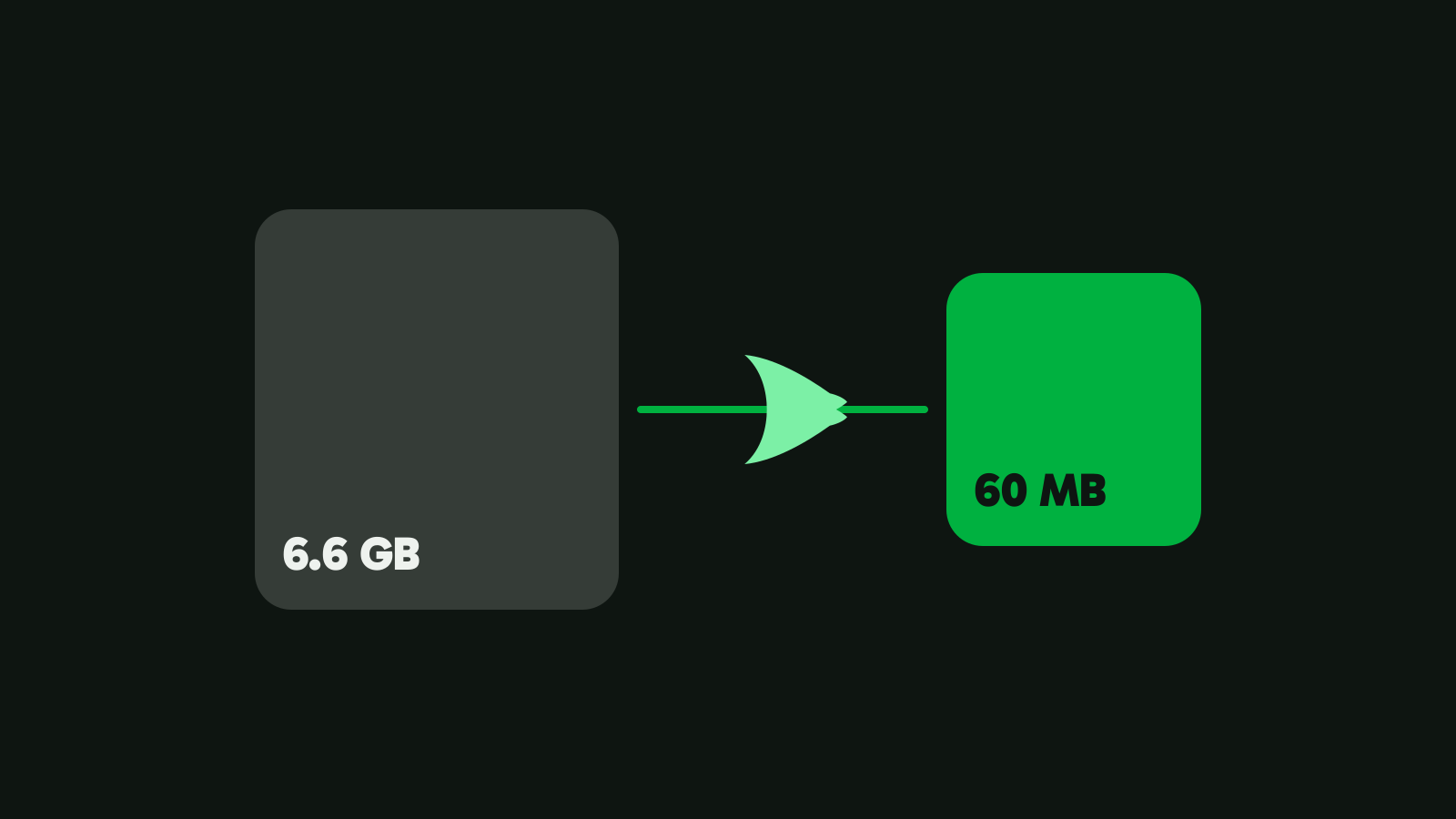
Compress a video to 10 MB, 25 MB or any size
Pick a number and get a video that lands under it. What fits in 10, 20, 25 and 50 MB, and how to hit a size with Vidray, HandBrake or FFmpeg.
On this page
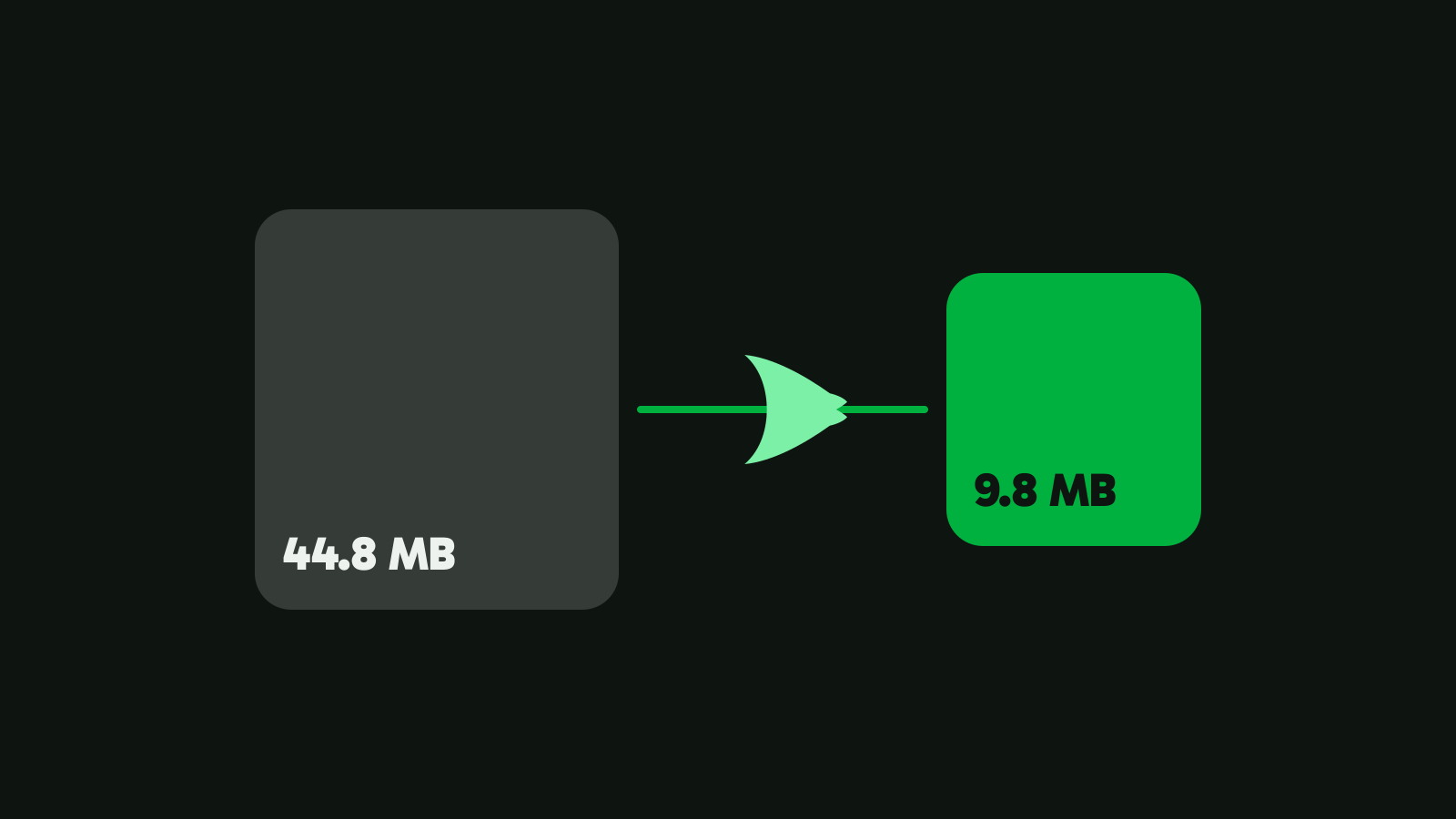
To compress a video to a specific size, you need a tool that turns the size into a bitrate for you, or you do that arithmetic yourself. Vidray’s “Fit a size” does it for you: our 4K test clip went from 44.8 MB to 9.8 MB under a 10 MB goal, in 3.2 seconds.
Why “make it 10 MB” is harder than it sounds
Most video tools ask you for a quality, not a size. HandBrake’s constant quality setting and FFmpeg’s CRF both aim for a look and let the size fall where it falls. HandBrake’s own documentation says the output size of a constant quality encode “is unpredictable and varies from source to source” (HandBrake docs, checked on 5 Nov 2026).
To hit a size, you have to work backwards from it:
- Size is bitrate times length. A megabyte is 8 megabits, so 25 MB spread over 60 seconds leaves about 3.3 Mbit/s for picture and sound together.
- The sound and the container take their share. Stereo sound at 128 kbit/s takes about 1 MB a minute, and the MP4 index grows with every frame.
- Encoders miss. An encoder told to average 3 Mbit/s lands a little over or under, so a file aimed exactly at the limit can end up just above it.
- MB is not always MB. Some limits count megabytes of 1,000,000 bytes, others mebibytes (MiB) of 1,048,576 bytes.
Compress a video to a specific size with Vidray
- Open Vidray and choose Compress.
- Pick “Fit a size” and click 10, 20, 50 or 100 MB. For any other number, choose Custom and type it: anything from 1 to 2000 MB.
- Drop the video in. The new file goes next to the original, as an MP4.
Under means under: 10 MB is at most 10,000,000 bytes. If a file comes out over, Vidray tries again lower, and tells you if it can’t fit. Because Vidray’s megabyte is the smaller, decimal one, a file under 10 MB is also under 10 MiB.
Behind the click, Vidray does the arithmetic from the previous section. It sets aside room for the sound, the MP4 index and a 3% margin, gives the picture the rest, and caps the bitrate’s peaks so no stretch of the video runs over. Then it picks the resolution: the less room each second gets, the smaller the frame, because a sharp 720p video looks better than a smeared 1080p one at the same size. When the picture turns out to be easy, such as a screen recording, it tries once more at the video’s own frame, up to 1080p, and keeps that file if it fits.
The output is H.264 in an MP4, which plays almost everywhere. On our 4K test clip:
| Goal | Result | Frame | Time | VMAF |
|---|---|---|---|---|
| 10 MB | 9.8 MB | 1080×1920 | 3.2 s | 91.3 |
| 20 MB | 19.6 MB | 1080×1920 | 3.2 s | 94.1 |
Measured on our test PC. Times vary with your hardware. The clip is a 21-second vertical 4K video from Pexels (44.8 MB); VMAF is a 0-100 picture-quality score against the original.
A video already under your number isn’t touched: Vidray says “Already under 10 MB. Nothing to do.” Free does all of this, 10 videos a month.
What fits in 10, 20, 25 or 50 MB?
The table shows the frame Vidray starts with for a 30 fps video with sound. It is worked out from the app’s sizing rules, not measured clip by clip. “1080p” means a short side of 1,080 pixels, so a vertical phone video at 1080p is 1080×1920. Vidray never makes a video bigger than its source, and an easy picture may get a larger frame.
| Size | 30 seconds | 1 minute | 3 minutes | 5 minutes |
|---|---|---|---|---|
| 10 MB | 720p | 540p | 360p | 240p |
| 20 MB | 1080p | 720p | 540p | 360p |
| 25 MB | 1080p | 1080p | 540p | 360p |
| 50 MB | 1440p | 1080p | 720p | 540p |
| 100 MB | 1440p | 1440p | 1080p | 720p |
Read it as a guide to what to expect. Ten minutes in 10 MB leaves less than 0.15 Mbit/s for picture and sound together, and the frame drops to 240p. For a long video, a link to the full file serves the viewer better than any compression.
For email, pick a size a little under the limit, because the message itself takes space too: 20 MB for services with a 25 MB limit such as Gmail, Yahoo Mail and Outlook.com. How to send a video that’s too large to email has every service’s limit and what to pick for each.
Compress to a specific size with HandBrake
HandBrake is free and open source, but it has no setting for a file size. You give it a bitrate instead, so you do the arithmetic yourself:
Video bitrate in kbit/s = size in MB × 8000 ÷ length in seconds − 128 (the 128 is the sound).
For 25 MB and a 60-second video, that’s 25 × 8000 ÷ 60 − 128, about 3,200 kbit/s. Type a little less, say 3,000, to leave room.
- Open the video and pick a preset close to what you want.
- On the Video tab, switch from Constant Quality to Avg Bitrate and type the number.
- Turn on the two-pass option, so HandBrake reads the video once before it encodes and spreads the bits better.
- On the Dimensions tab, lower the resolution when the bitrate is small (the table above is a fair guide).
HandBrake also has “Social” presets named after a size. On our clip, its “Social 10 MB 30 Seconds” preset made a 6.0 MB file at 720 lines in 15.0 seconds, with a VMAF of 83.1. It stays well under the number, so it gives away room the picture could have used.

Compress to a specific size with FFmpeg
FFmpeg’s two-pass mode is the classic way to hit a size. Work out the bitrate with the formula above, then run both lines:
ffmpeg -y -i input.mp4 -c:v libx264 -b:v 3000k -pass 1 -an -f null -
ffmpeg -i input.mp4 -c:v libx264 -b:v 3000k -pass 2 -c:a aac -b:a 128k output.mp4
The first pass only analyses the video; -f null - throws its output away on Windows, Mac and Linux alike. The second pass encodes. To lower the resolution as well, add -vf scale=-2:720 to the second line. Delete the ffmpeg2pass-0.log files when you’re done. On a 20-second test file, a 5 MB goal at 1,700k came out at 4.77 MB.
Online compressors
Websites that compress to a size work on any device, including a phone. The video is uploaded to their server first, which takes time for big files, and free plans usually cap the file size or the number of videos. Check the site’s own pricing page for its limits before you upload anything private.
Which method fits you
- “I need it under a number, now.” Vidray, Fit a size: click or type the number and drop the video.
- “I don’t want to install anything.” An online compressor, if the file is small and not private.
- “I want to control every setting.” HandBrake with Avg Bitrate and two-pass, or FFmpeg’s two-pass commands.
- “I have a folder of clips that all need to fit.” Drop the folder: Vidray takes every video in it, one after another. Free makes 10 videos a month; Pro makes as many as you like, with no monthly limit. $24.99, once.
Why is my video still too big?
- The platform counts more than the file. Some email services count the whole message, text included, so a file right at the limit fails. Leave room.
- Your computer counts in MiB. Windows File Explorer counts in units of 1,024 bytes, so our 9,815,803-byte file shows as 9,586 KB. A site that counts 1,000,000-byte megabytes sees 9.8 MB.
- The size was too small for the length. If even a much lower bitrate can’t make it, Vidray says “Couldn’t fit under 10 MB. Try a shorter clip.” instead of handing you a file that’s over.
- The tool aimed at the limit, not under it. An encoder that averages exactly the target bitrate can overshoot by a little; a margin of a few percent avoids it.
Start with the video you need to send: pick the number, drop it in, and check the size before you upload. Download Vidray for Windows or Mac. To keep a video’s quality instead of meeting a limit, Same look is the other half of Compress.
Common questions
How do I compress a video to exactly 10 MB?
You can get it under 10 MB, not exactly on it, and under is what upload limits need. In Vidray, choose Compress, pick Fit a size and click 10 MB. The file lands at no more than 10,000,000 bytes; our 4K test clip came out at 9.8 MB.
What size should a video be to send by email?
Under 20 MB for most services. Gmail, Yahoo Mail and Outlook.com allow 25 MB, but the message itself takes space too, so 20 MB leaves room. Services with a 20 MB limit, such as iCloud Mail, need a bit less; type 18 in Fit a size’s Custom box.
How long a video fits in 25 MB?
About one minute at 1080p, or three minutes at a lower resolution of around 540p. The longer the video, the fewer bits each second gets, so the frame has to shrink to stay sharp. Vidray’s Fit a size picks the resolution for you from the length and the size.
Does compressing to a smaller size lower the quality?
Yes, past a point: fewer bits per second means less detail. On our 4K test clip, Vidray’s 20 MB file scored 94.1 on VMAF and the 10 MB file 91.3. If you have no limit to meet, Same look keeps the picture and makes the file as small as that allows.
Can HandBrake compress a video to a specific size?
Not directly. HandBrake has no file size setting, so you work out the bitrate yourself: size in MB times 8000, divided by the length in seconds, minus the sound. Type it as Avg Bitrate on the Video tab and turn on two-pass encoding.