What is HEVC? H.265 and the HEVC Video Extensions
HEVC (H.265) is the codec iPhones record in: the same picture at about half the bitrate of H.264. What the HEVC Video Extensions are, how to play or convert it.
Guides for making videos smaller, converting them and sharing them, without the guesswork.
HEVC (H.265) is the codec iPhones record in: the same picture at about half the bitrate of H.264. What the HEVC Video Extensions are, how to play or convert it.
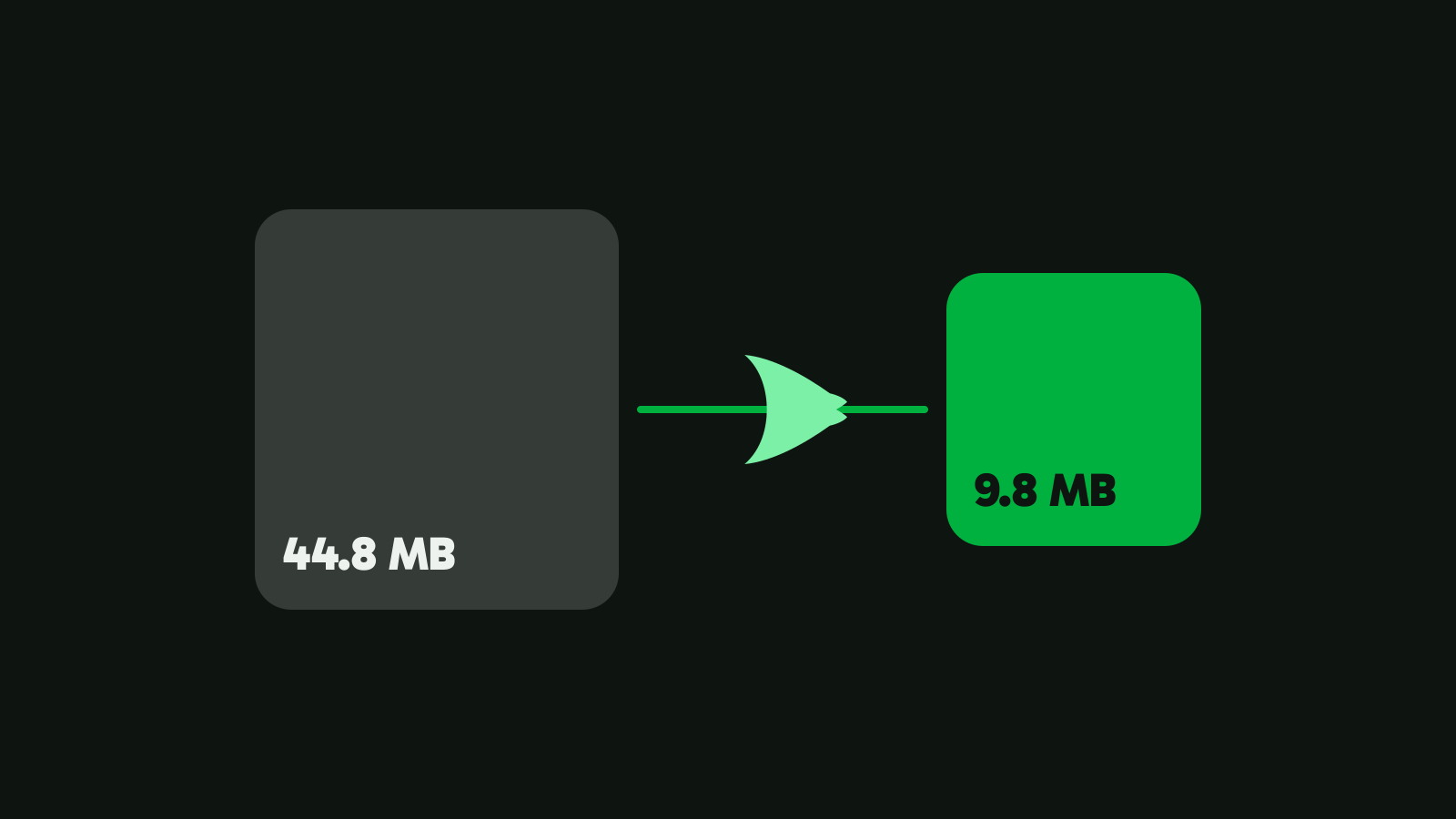
Pick a number and get a video that lands under it. What fits in 10, 20, 25 and 50 MB, and how to hit a size with Vidray, HandBrake or FFmpeg.
Freemake’s free version puts its logo on every video it converts, and it runs only on Windows. Four alternatives with no logo, and what each one gives up.
The right HandBrake alternative depends on what you miss, a size box, fewer settings or more control. Four picks, a measured test, and where HandBrake wins.
Most MKV files only need a new container, so the picture and sound are copied in seconds with no loss. When it must re-encode, and what happens to subtitles.
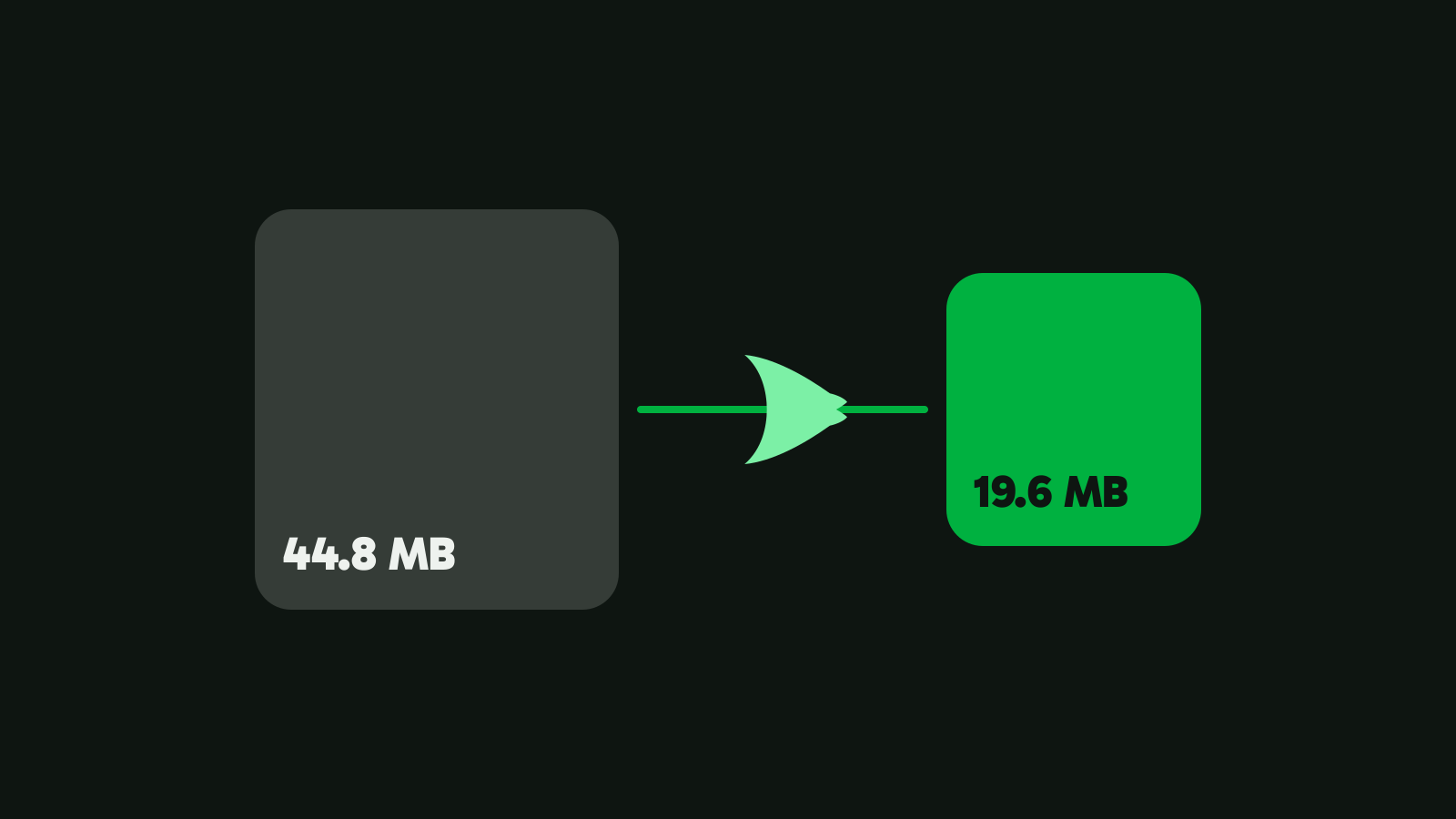
Gmail, Yahoo and Outlook.com stop at 25 MB, iCloud Mail at 20 MB. How to make a video small enough to attach, or send it as a link, service by service.
UniConverter’s perpetual license covers one version on one system. Cheaper and free alternatives, what each one gives up, and where UniConverter still wins.
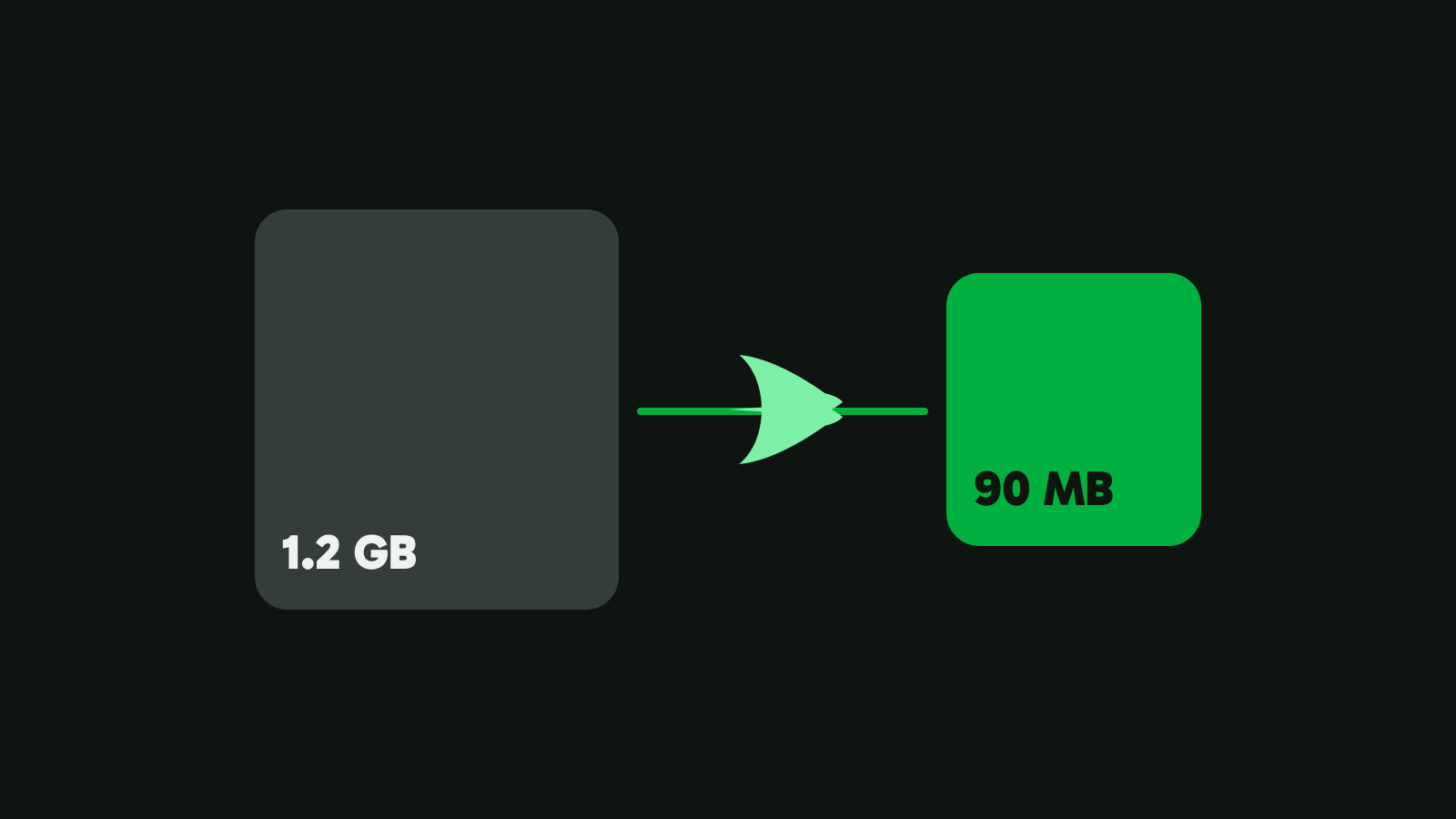
Make a video smaller while it looks the same. What makes video files big, which setting to change, and measured results from Vidray, HandBrake and FFmpeg.
Converting MOV to MP4 is usually a copy: the video goes into the new file untouched, in seconds. How to do it on Windows and Mac, and when it must re-encode.
Free for Windows and Mac. Nothing is uploaded.